How to Take Items Out of a Box and Turn into Non-Salvageable on the Mobile App
Take items out of boxes and change their Salvage category on the mobile app
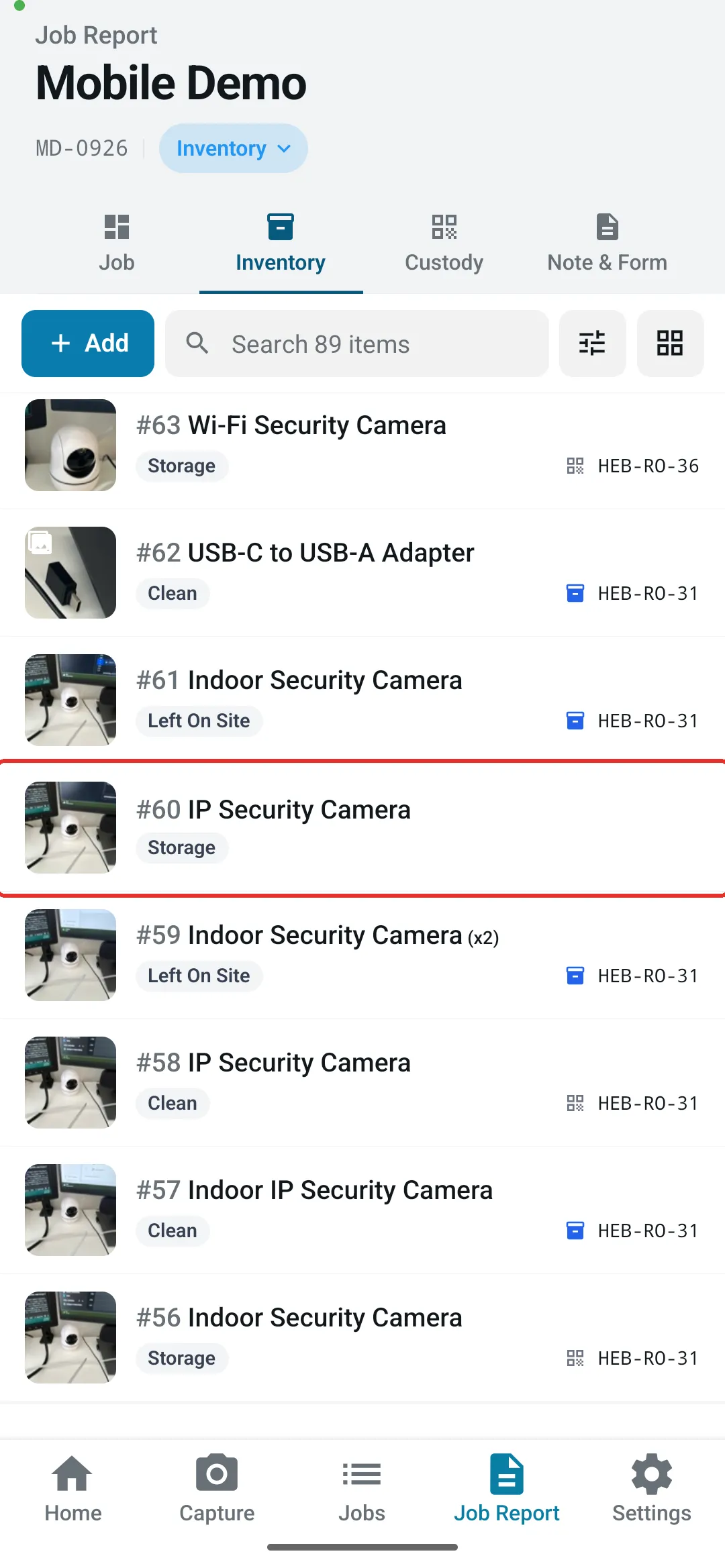
Step 1: Find the boxed item in the Inventory list and open it
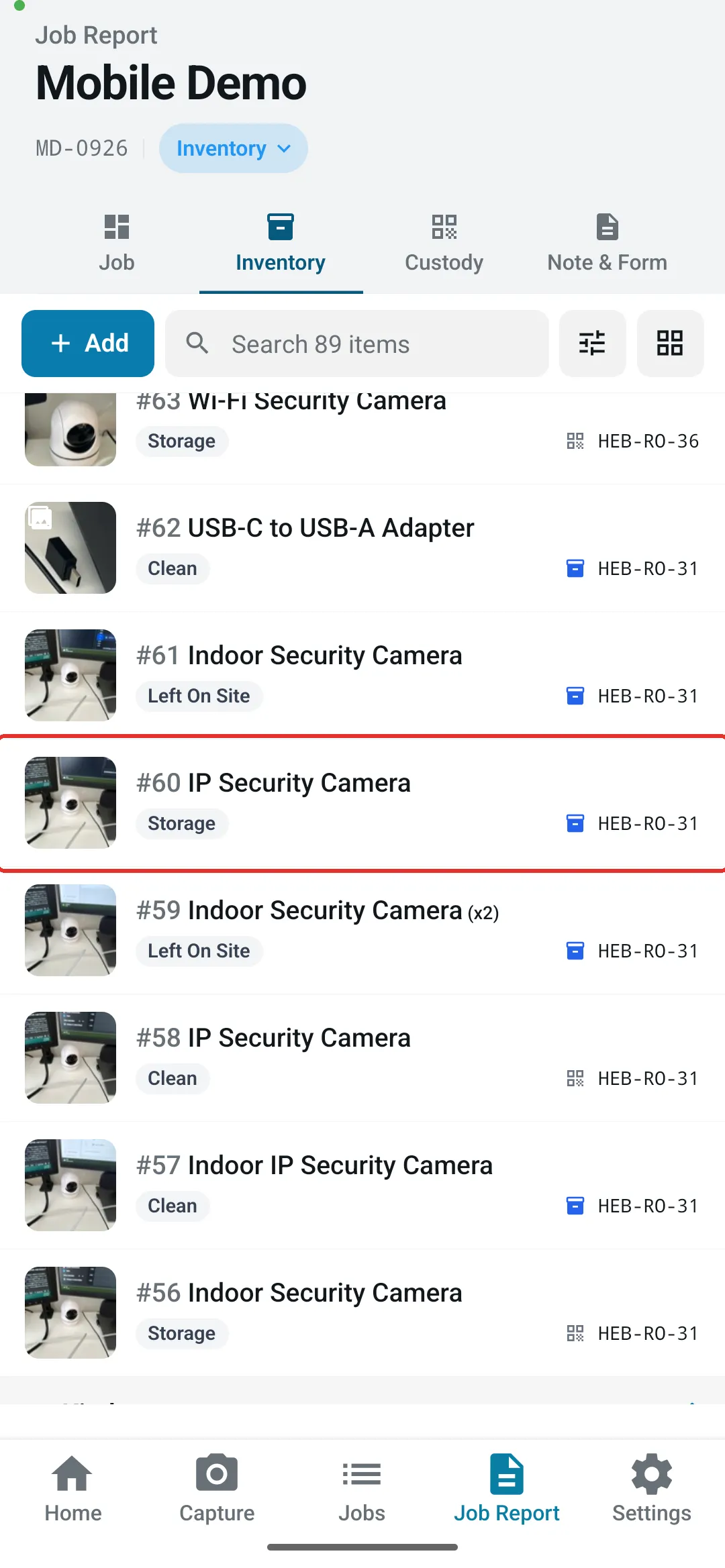
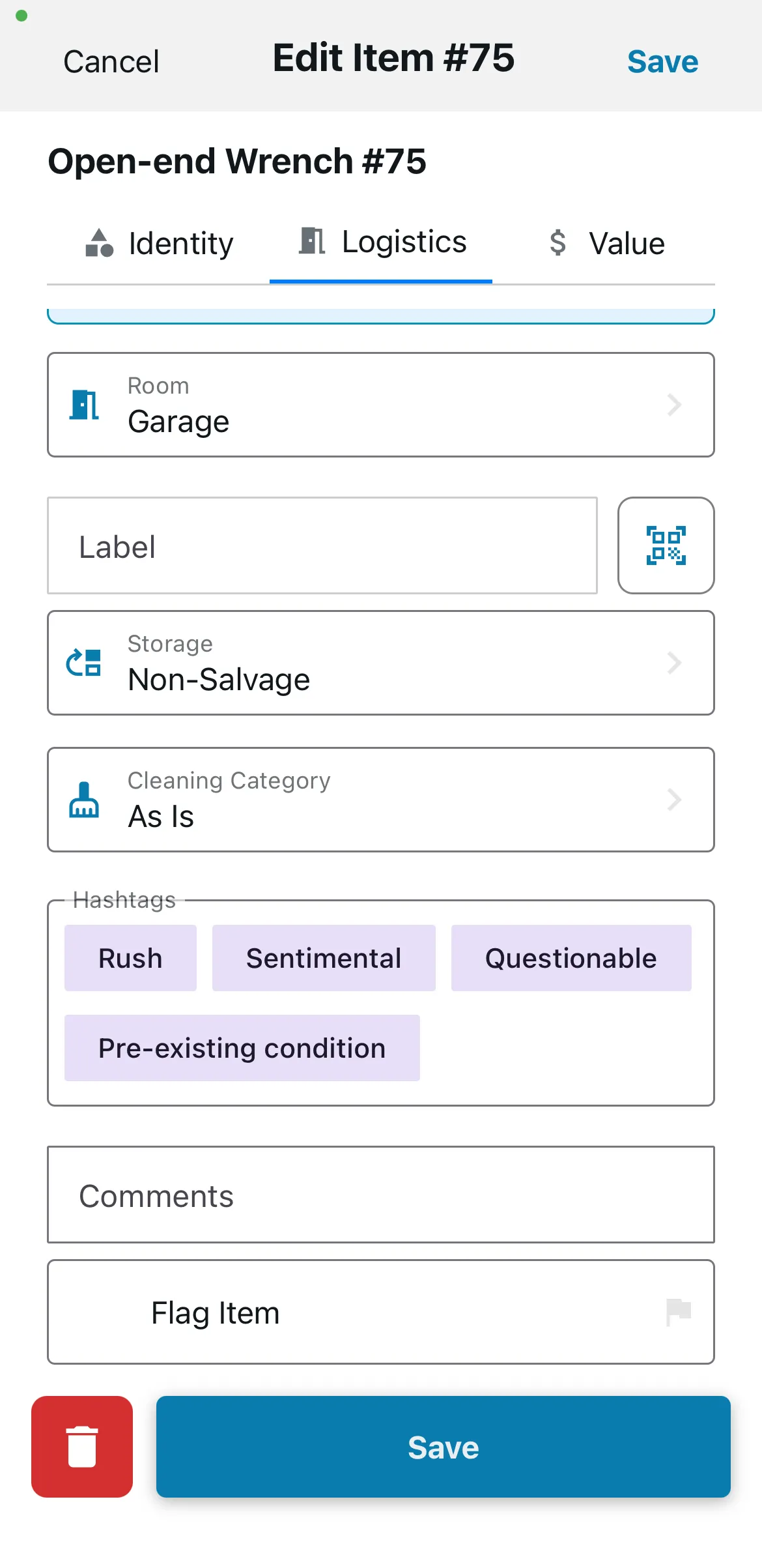
Step 2: Go to the Logistics tab and tap Take out of Box, then confirm with Take out of Box. This clears the box label connecting the item to the box
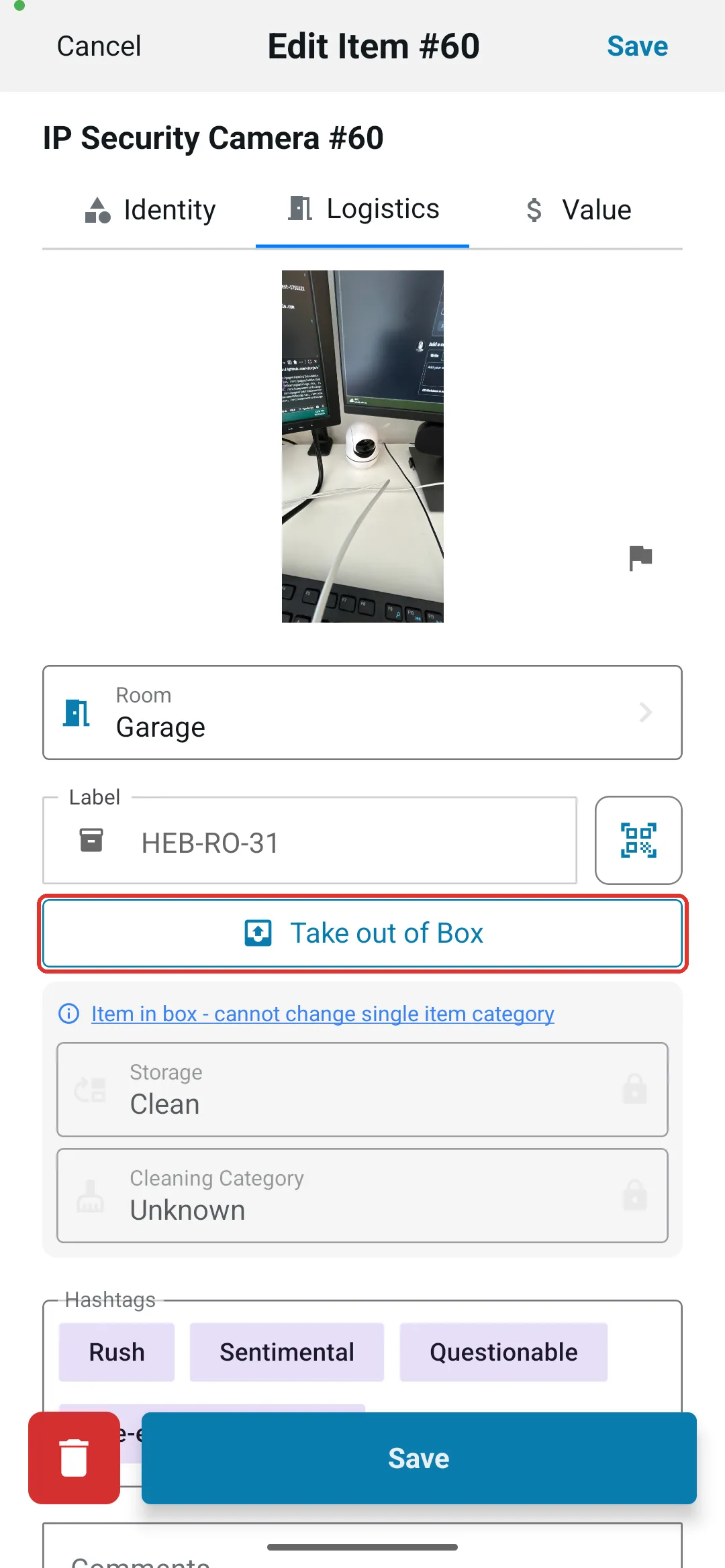
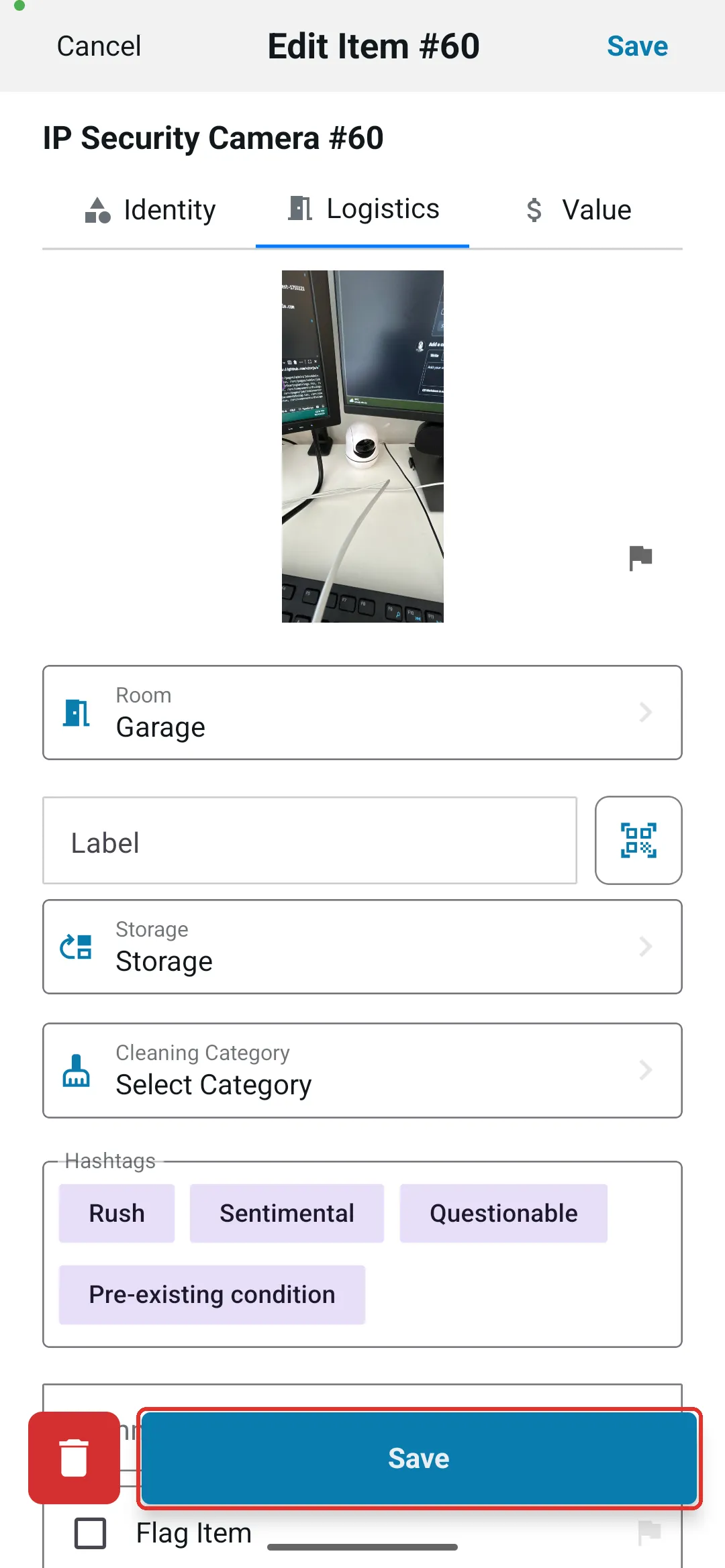
Step 3: In the same Logistics tab, set Storage to Non-Salvage, then tap Save. You don’t need to save and reopen the item first
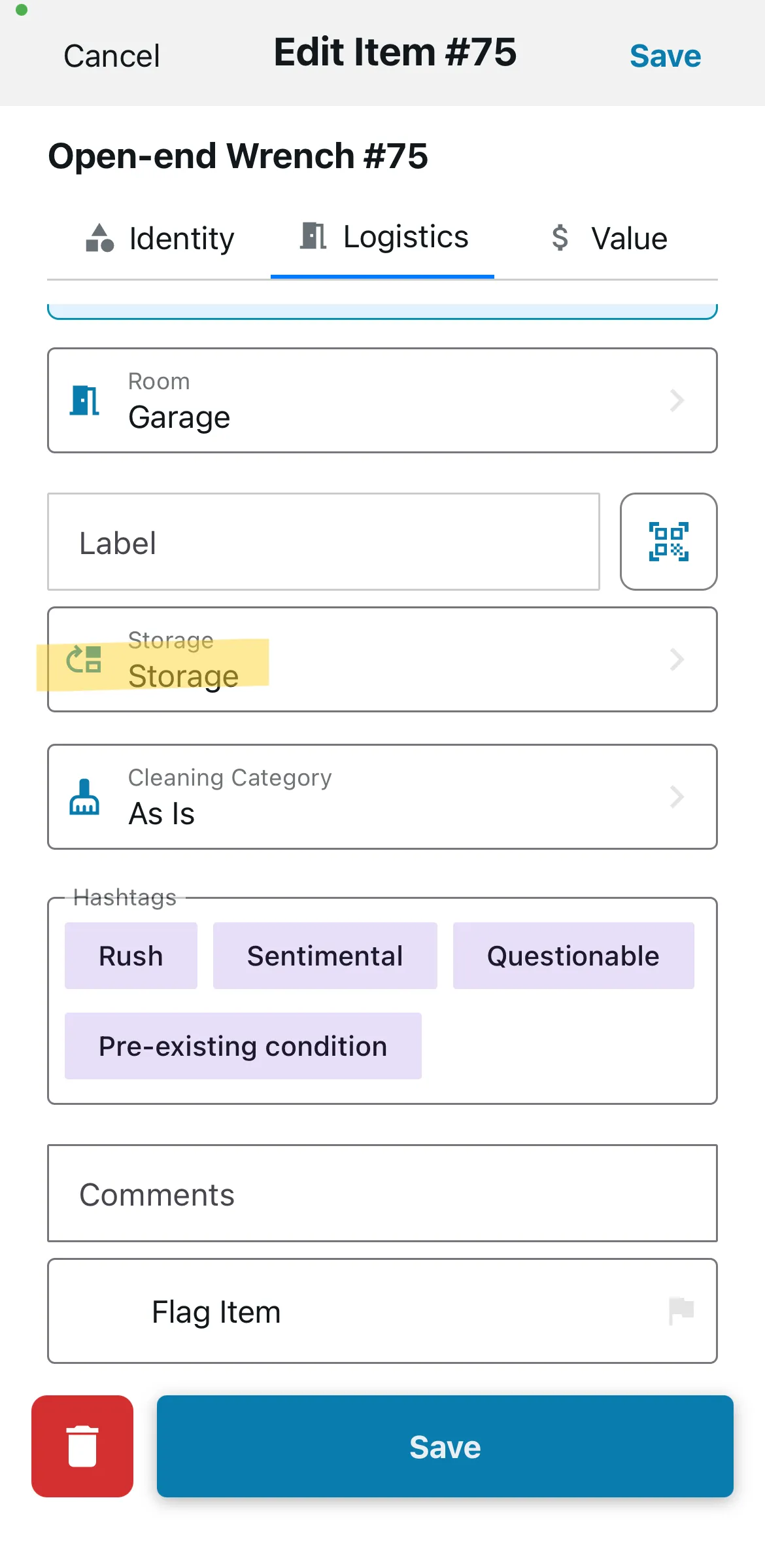
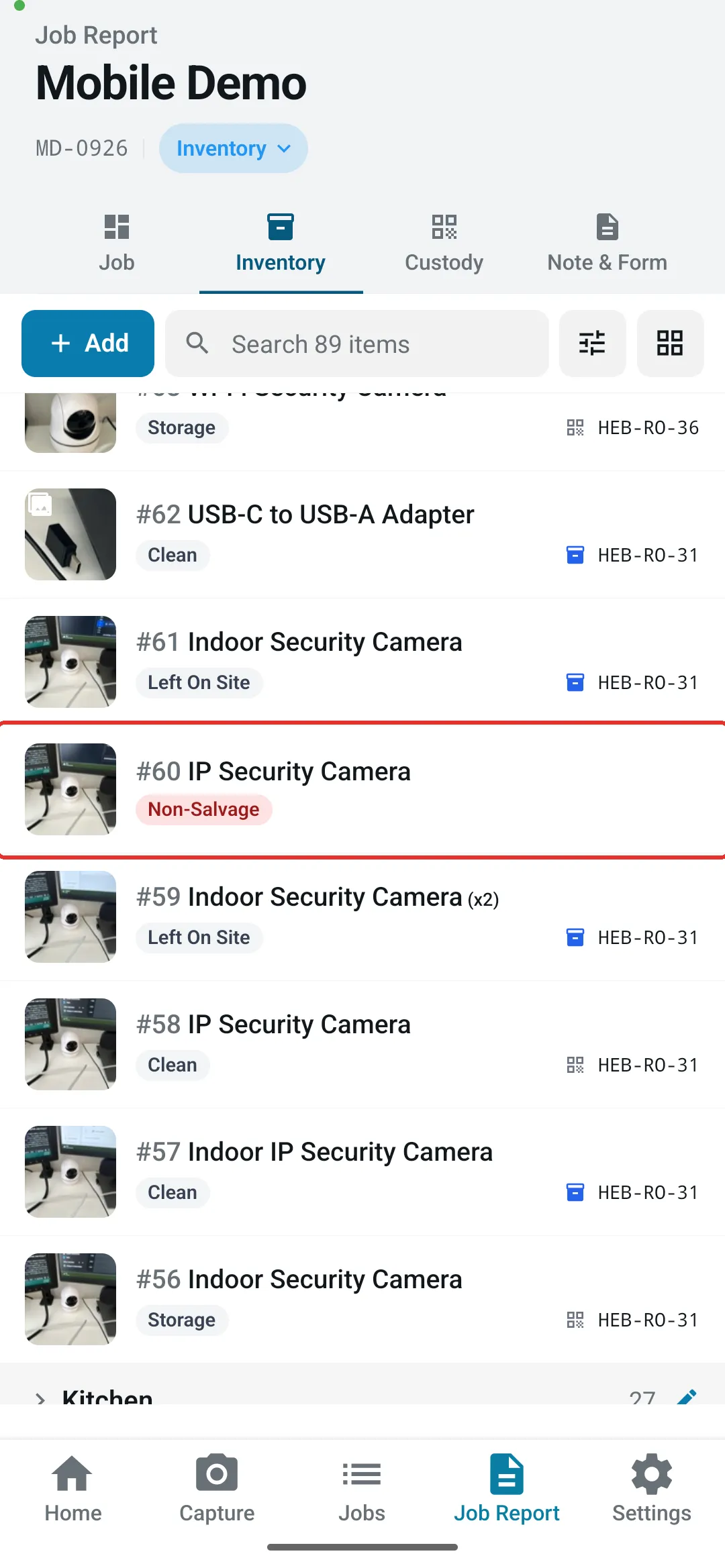
Step 4: Back in the inventory, check that the item is no longer in the box and now appears in the Non-Salvageable part of the inventory